Skills / design-clean-saas
design-clean-saas
Build or extend a clean, minimal startup or SaaS website (landing page, pricing, about, contact) using this skill's component kit and design tokens. Use when the user asks for a minimal, modern product or startup site, or adds pages to a site already using this kit. Do not use for animation-heavy portfolios, dashboards, docs sites or dark editorial styles.
- Author
- agentsaisle
- Latest
- v0.1.0
- Aisle
- design, web
- Works with
- Claude Code, Codex, Cursor
- Source
- HazemSalah29/agentsaisle
- Stars
- 2
Install
Install design-clean-saas
npx @agentsaisle/cli add design-clean-saasInstalls into your project's skills folder. Add --global to install it for every project.
Preview
Screenshots of a demo site built only from this skill's kit. They show the style, not a measured result.
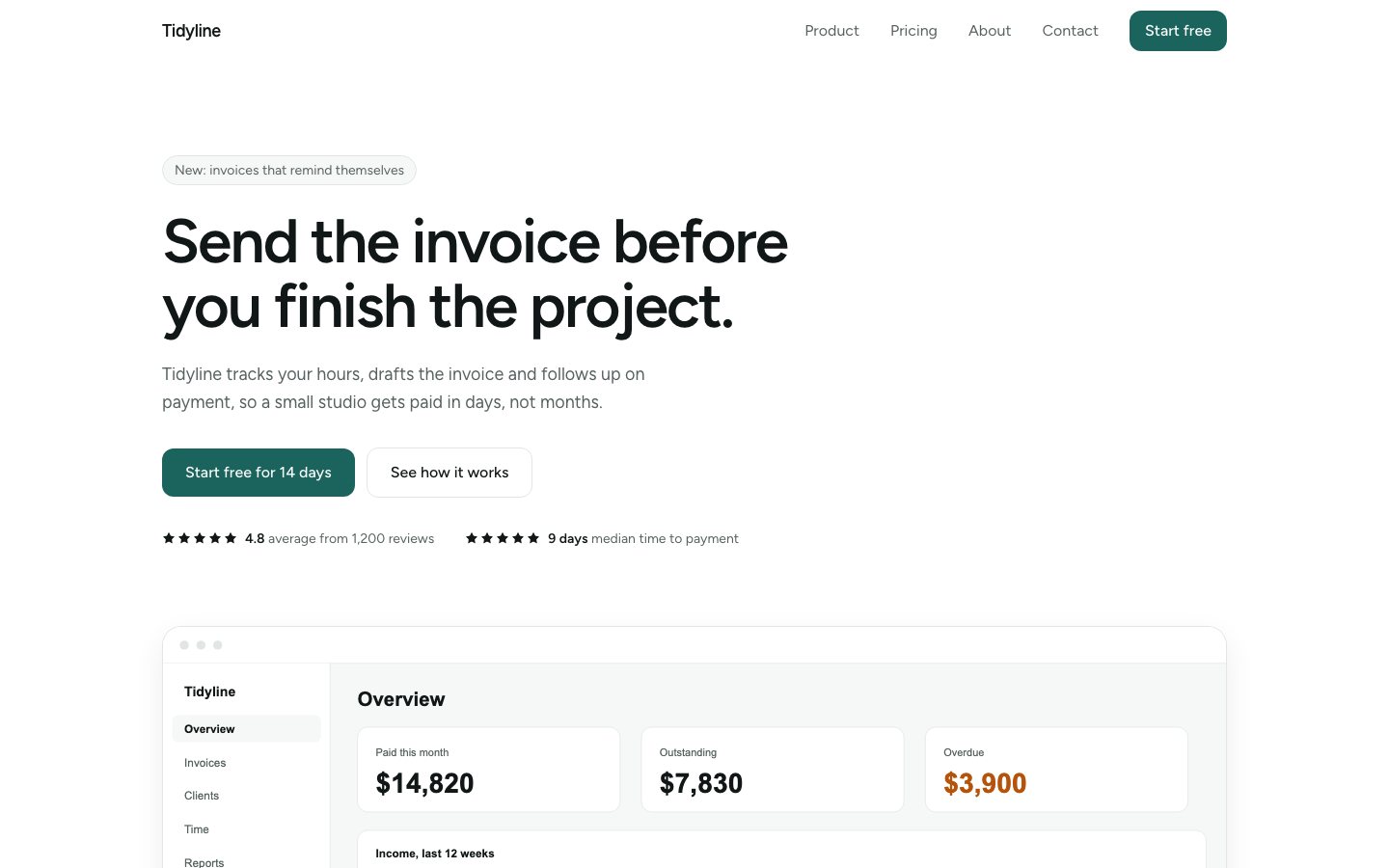
Hero
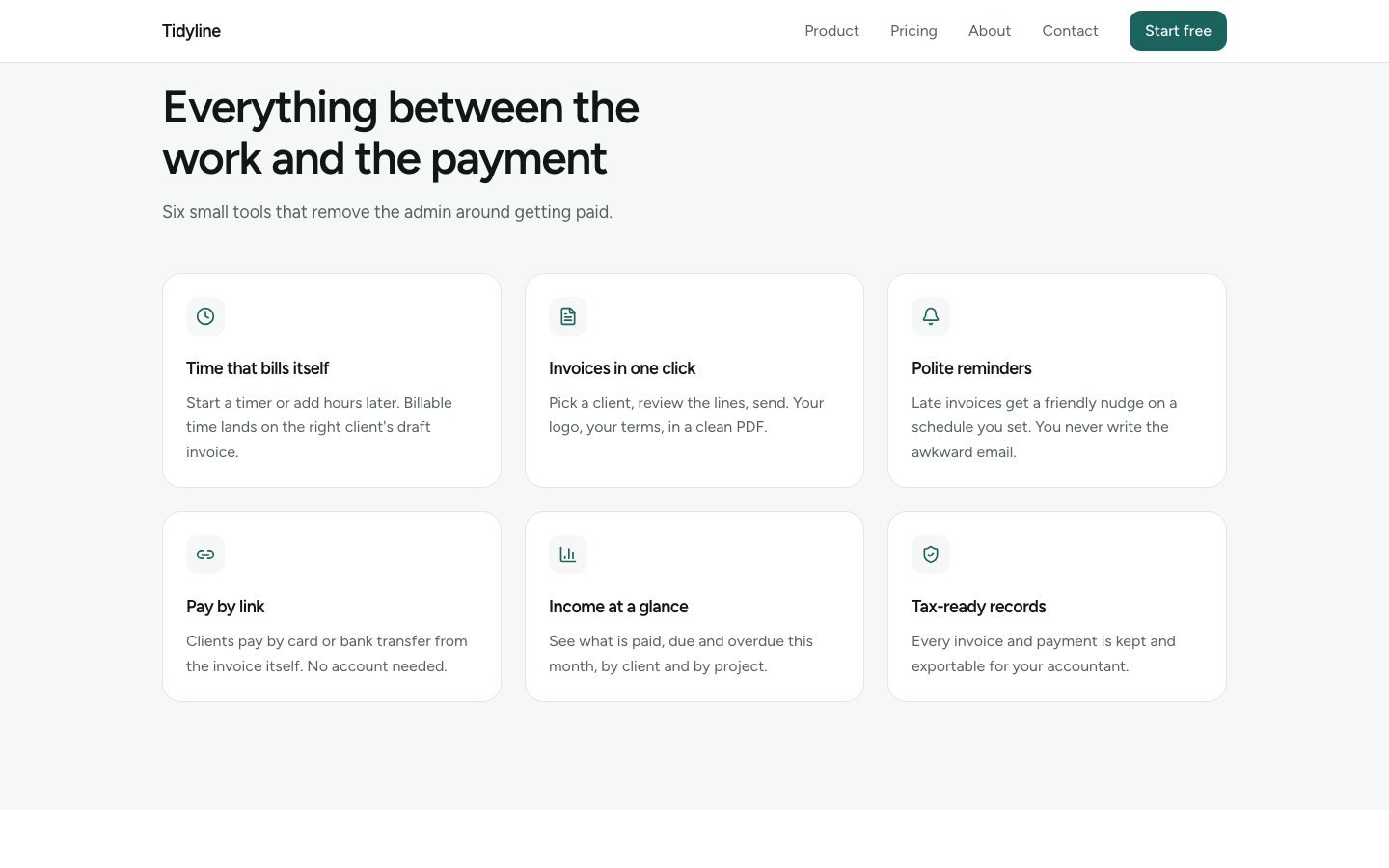
Features
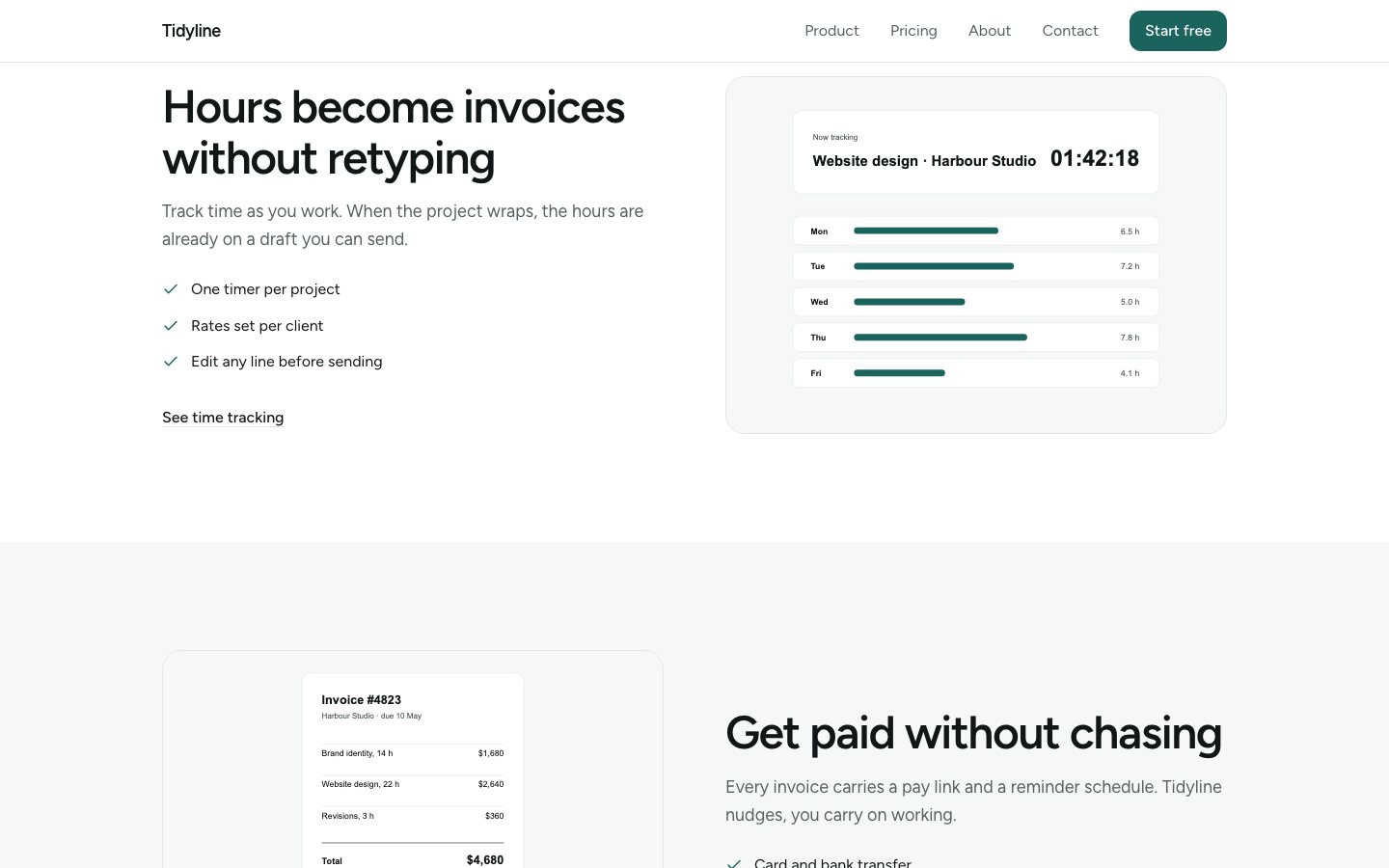
Feature split
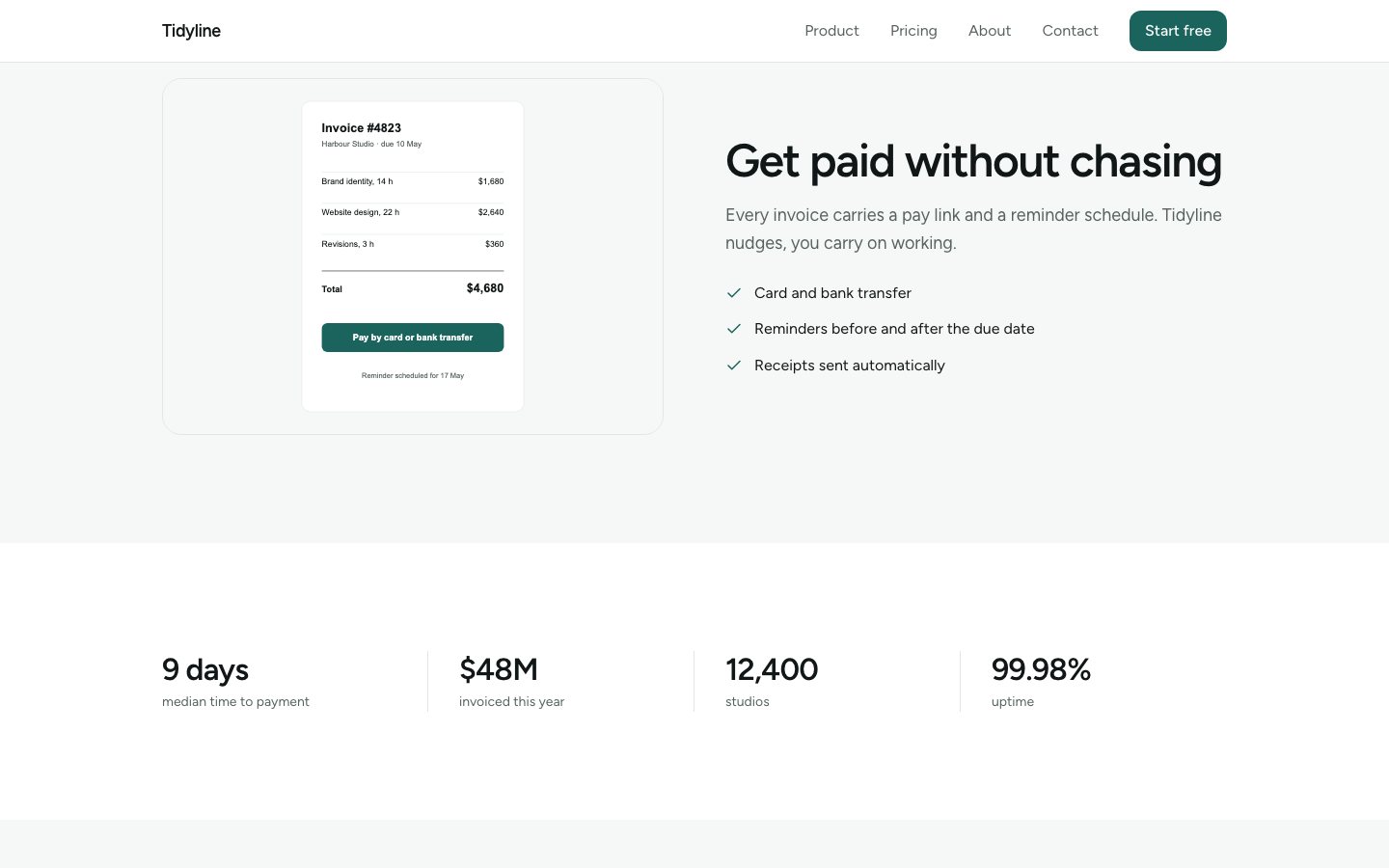
Feature split reversed
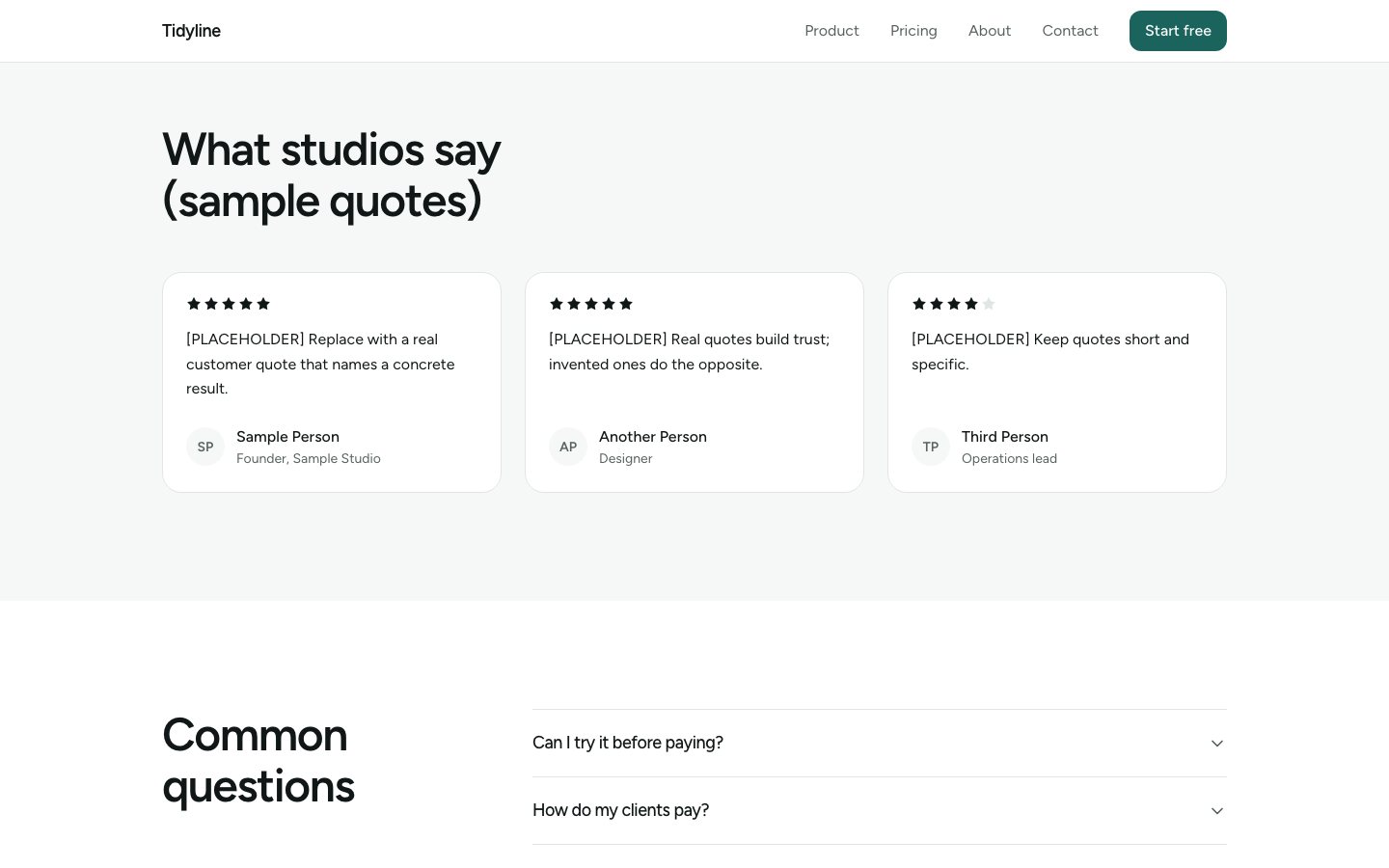
Stats and testimonials
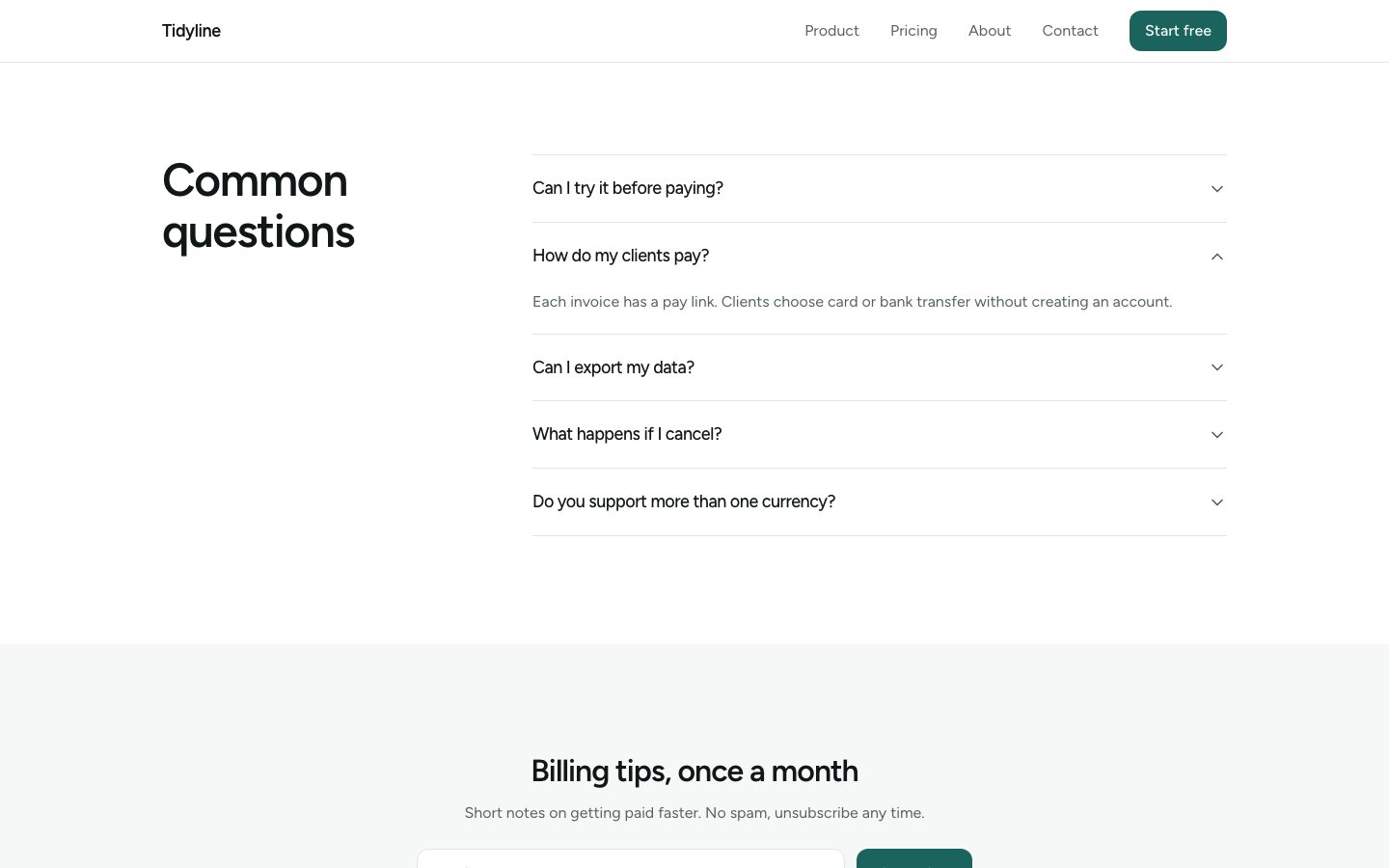
Faq open
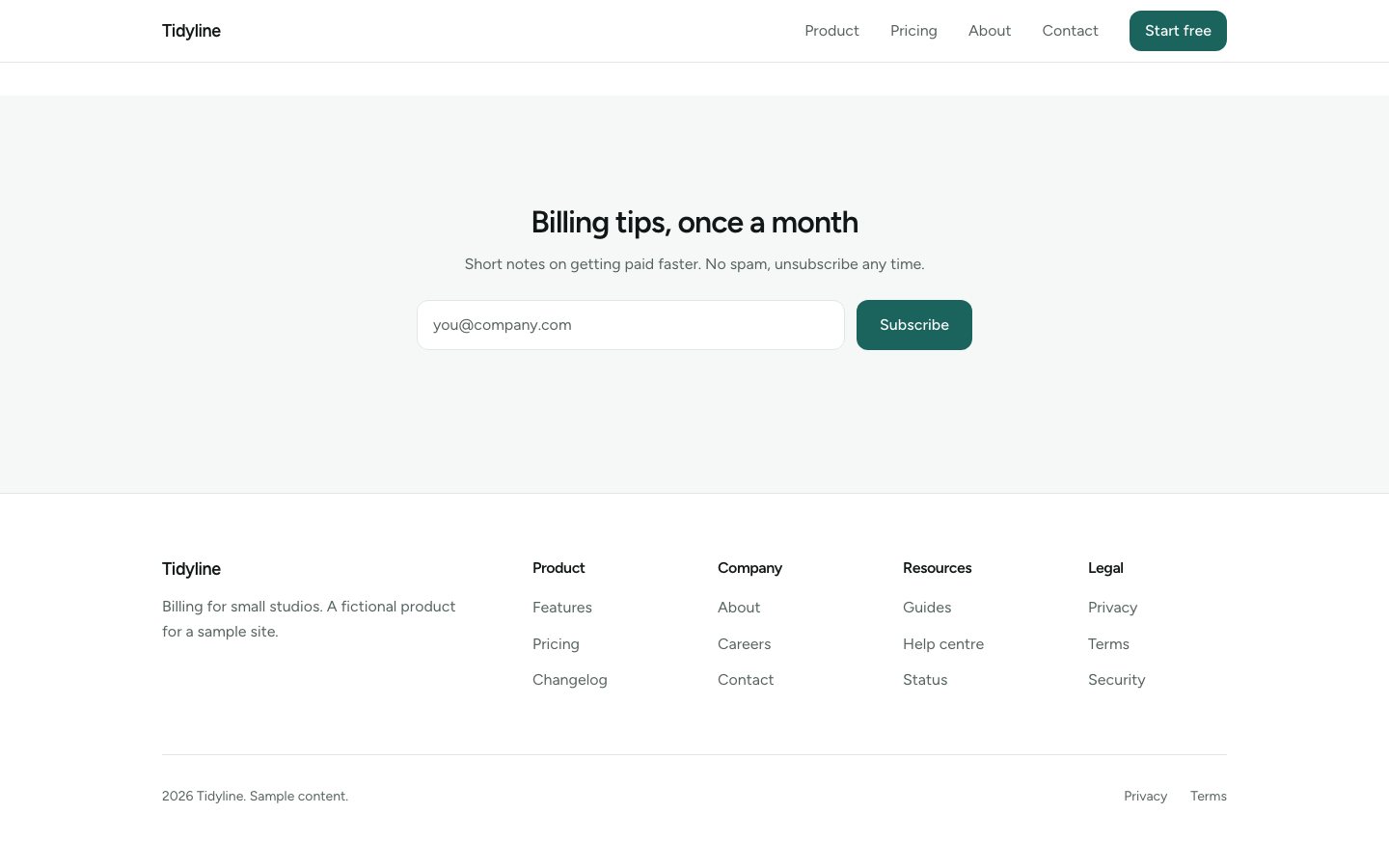
Newsletter and footer
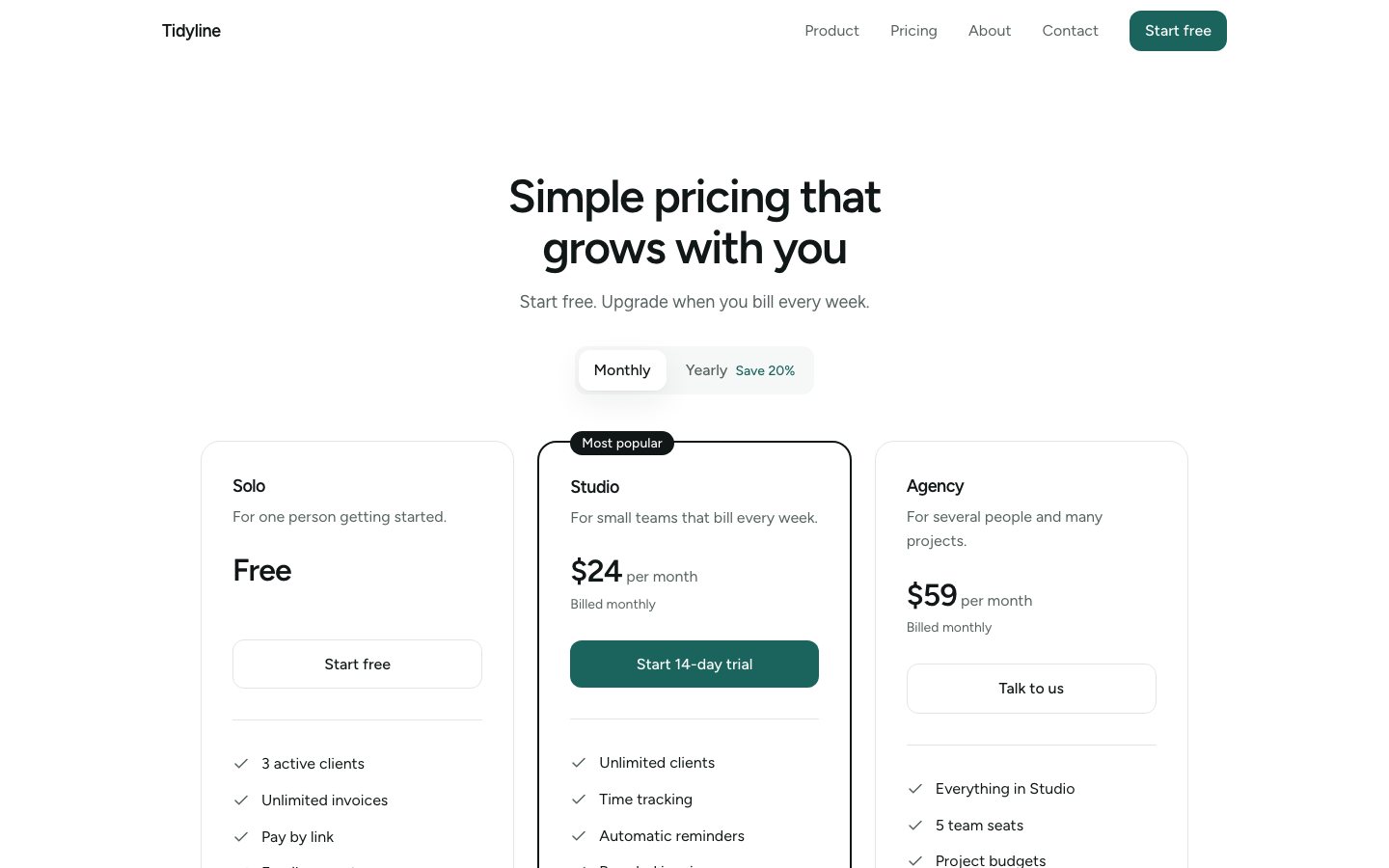
Pricing monthly
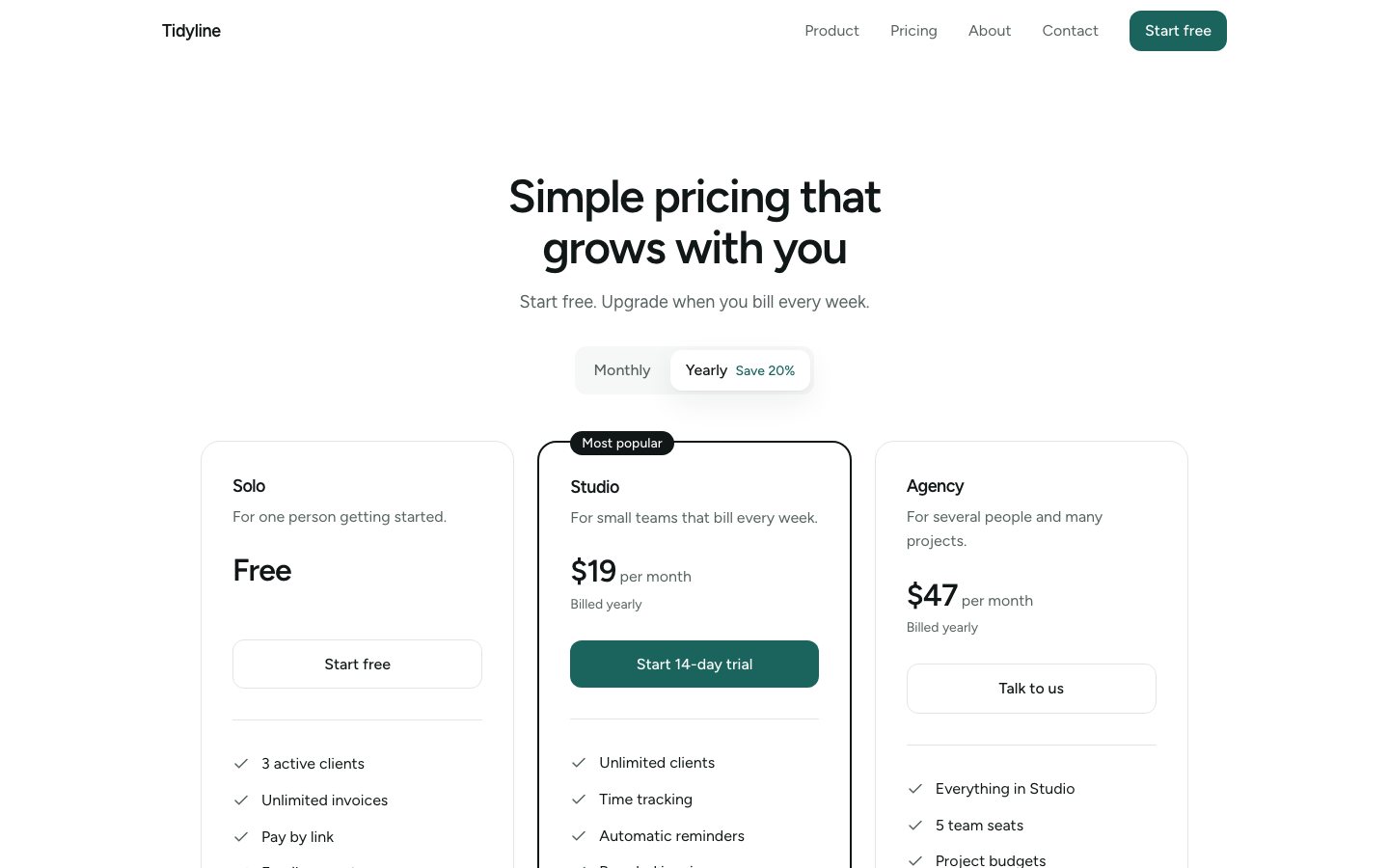
Pricing yearly
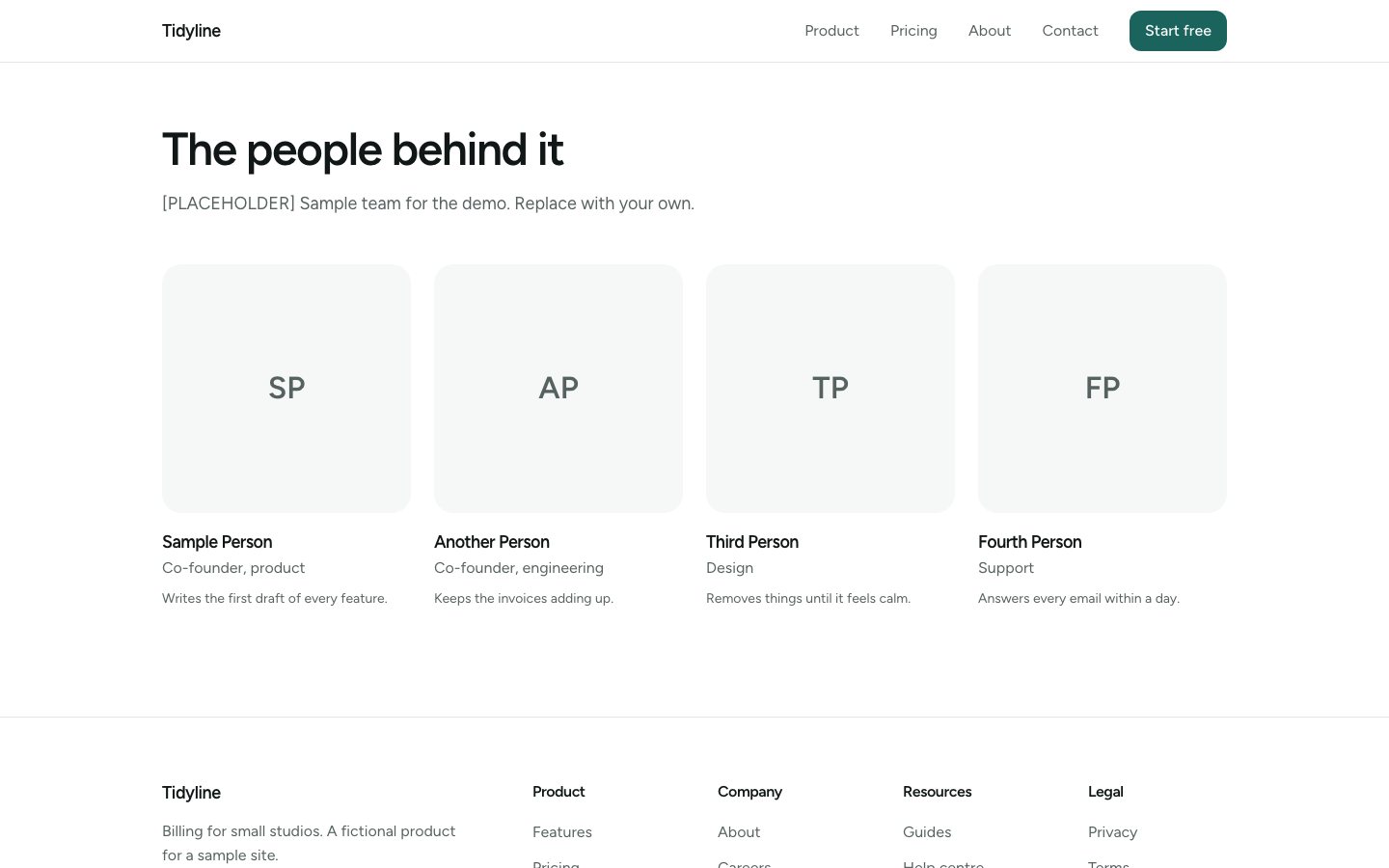
About team
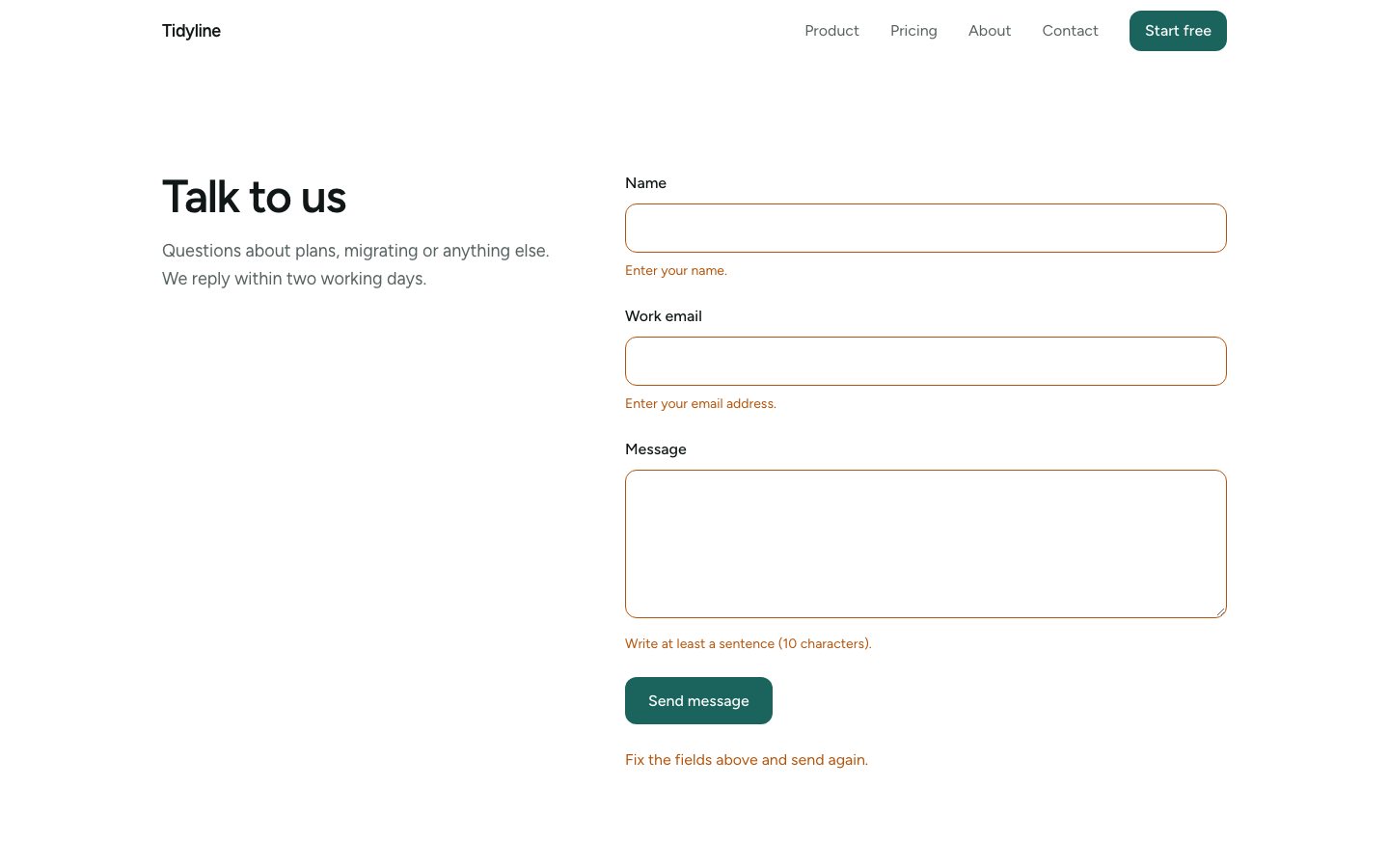
Contact validation
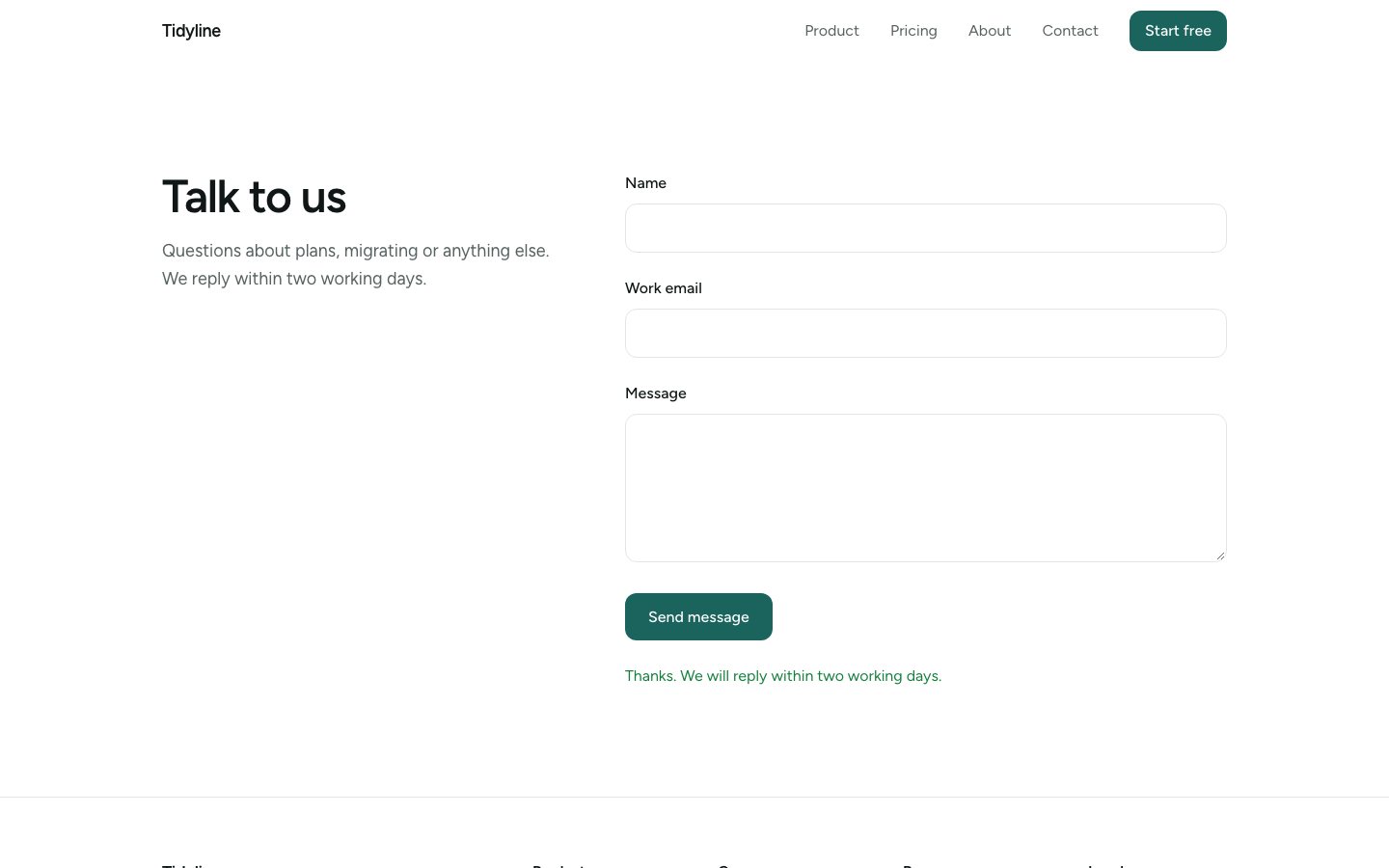
Contact sent
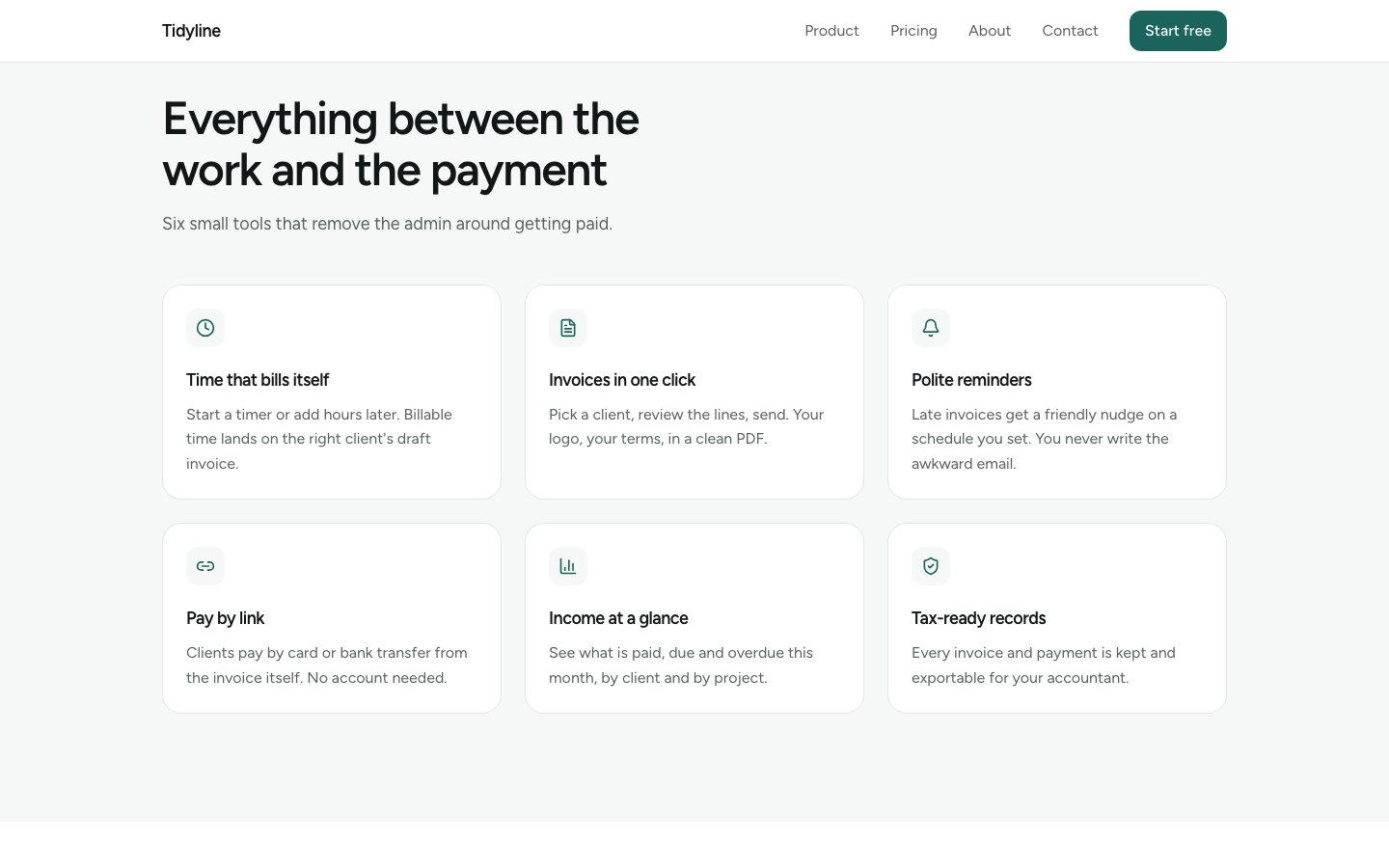
Reduced motion
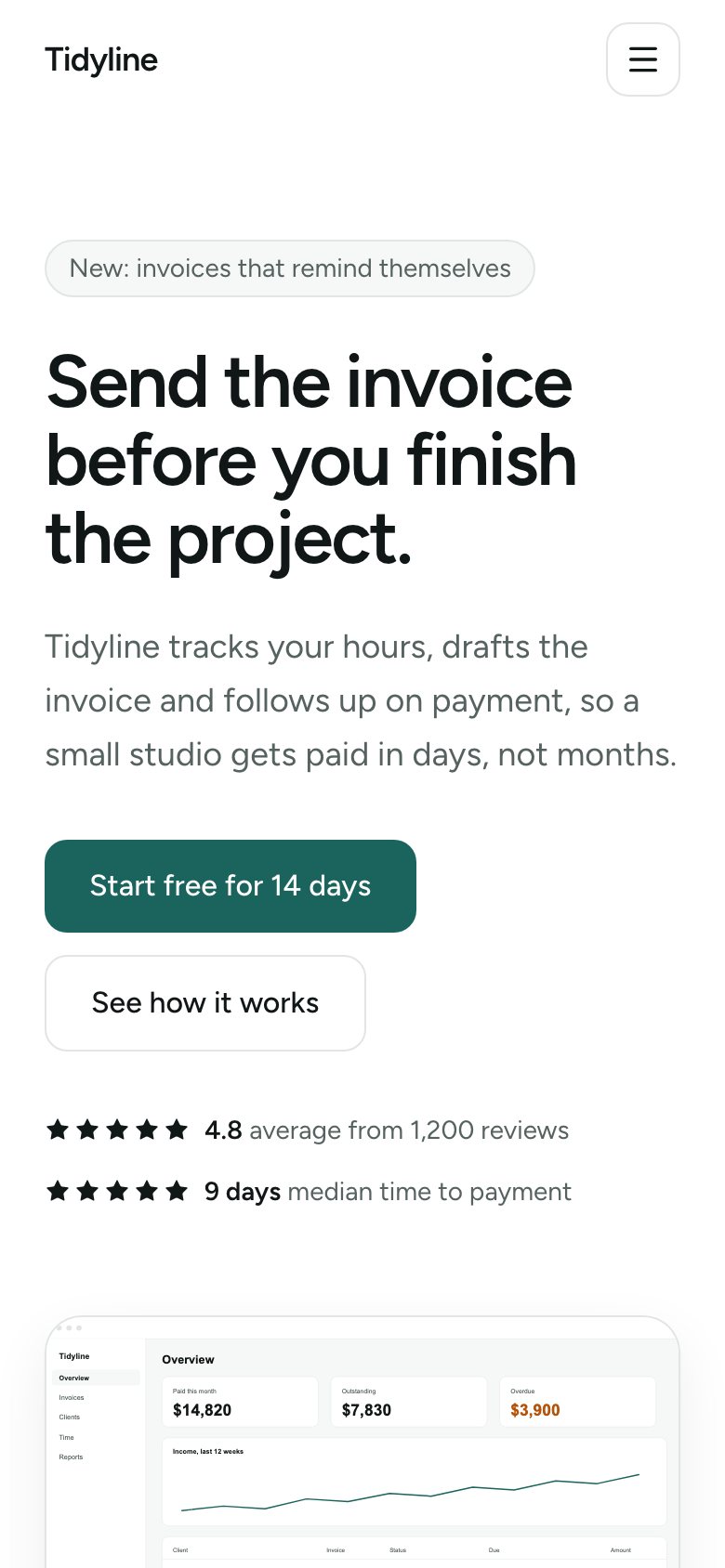
Phone hero
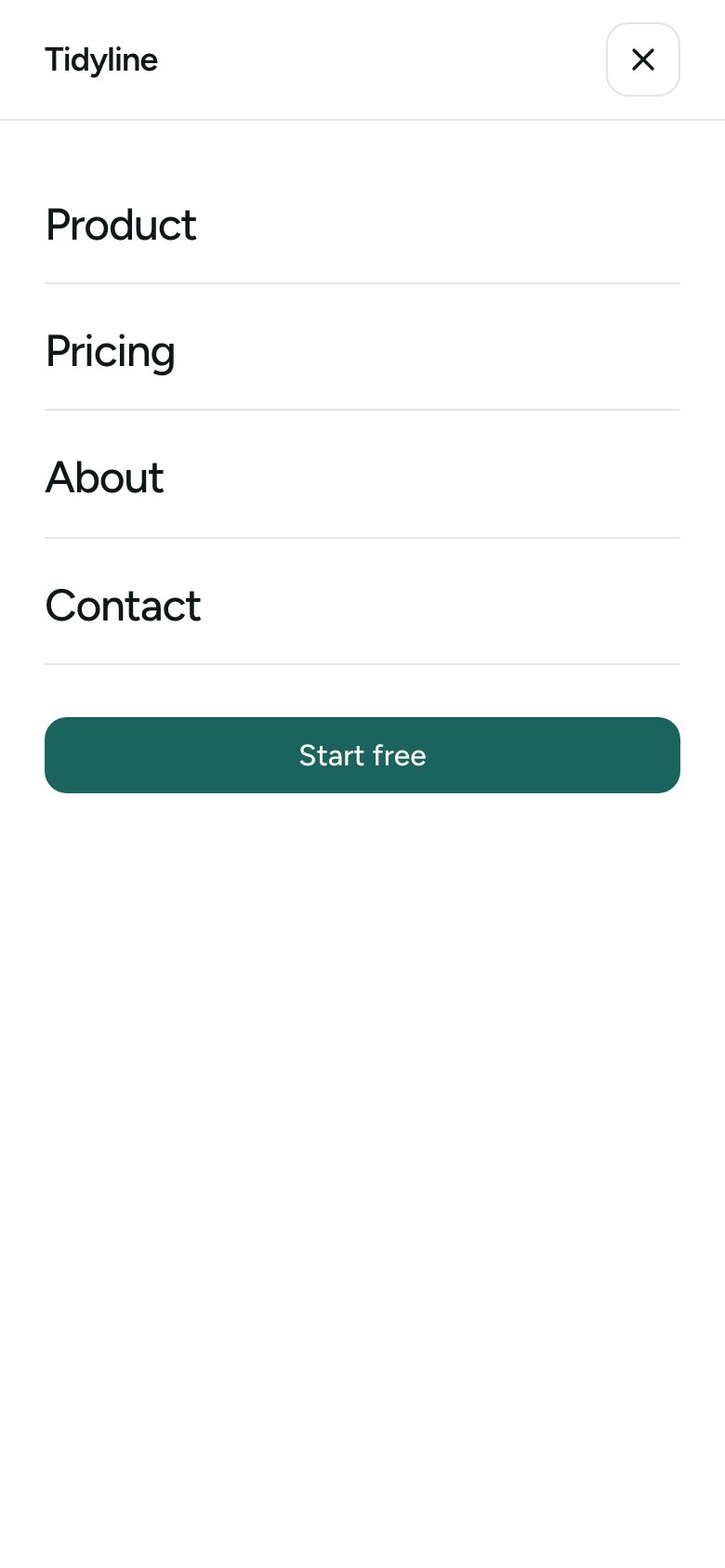
Phone menu
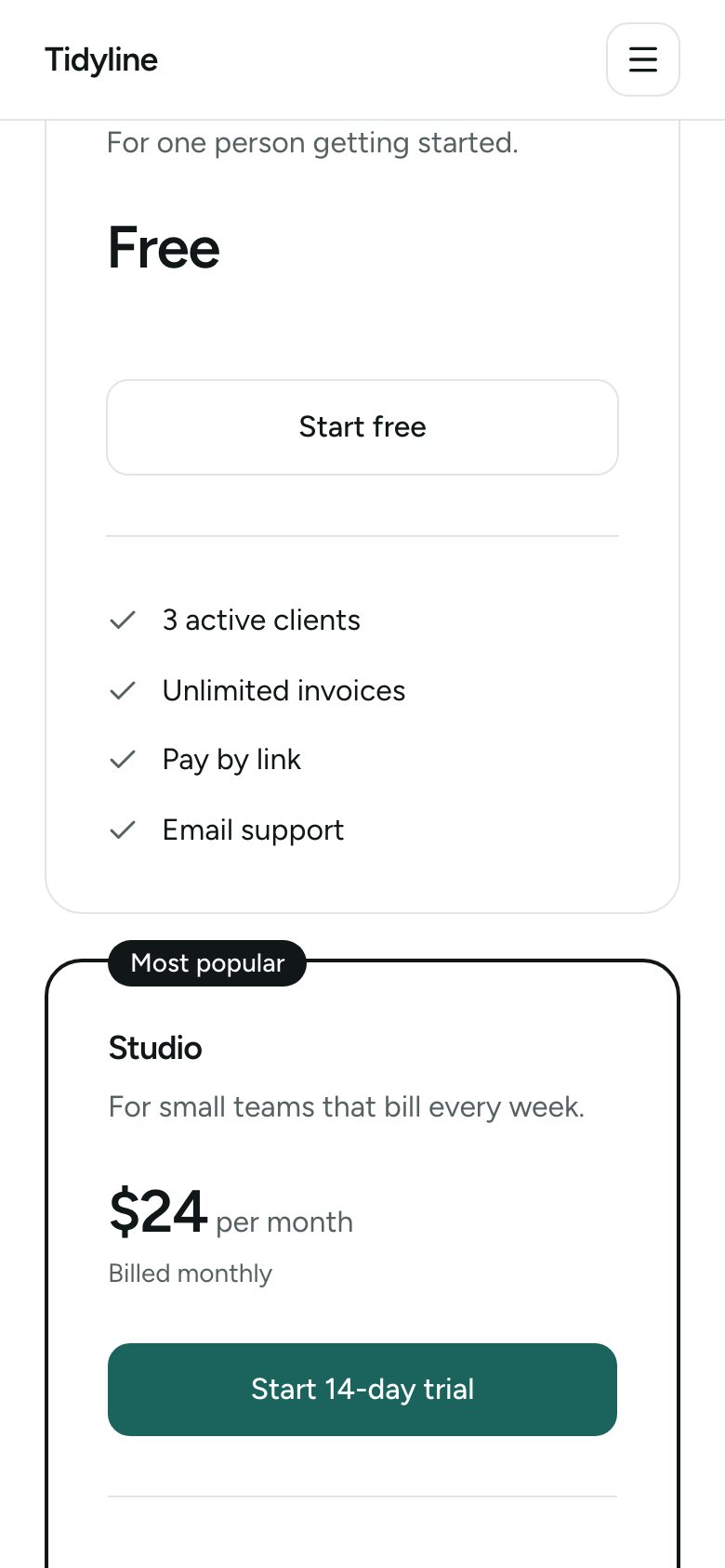
Phone pricing
Runs scriptsThis skill includes scripts
Your agent may run these scripts on your machine. A maintainer has read every one in full, and the CLI lists the files when you install. You can read them on GitHub first.
Read the files on GitHubAudit
- Critical
- 0
- High
- 0
- Medium
- 0
- Low
- 0
48 files · audited 2026-10-29 · rules 1.0.0
No findings.
What this skill can use
Tools
- Read
- Write
- Edit
- Glob
- Grep
- Bash(node *)
- Bash(npx playwright *)
- Bash(pnpm *)
- Bash(npm run *)
Scripts
- assets/kit/ContactForm.tsx
- assets/kit/Container.tsx
- assets/kit/FAQ.tsx
- assets/kit/FadeUp.tsx
- assets/kit/FeatureGrid.tsx
- assets/kit/FeatureSplit.tsx
- assets/kit/Footer.tsx
- assets/kit/Grid.tsx
- assets/kit/Hero.tsx
- assets/kit/LogoCloud.tsx
- assets/kit/Navbar.tsx
- assets/kit/Newsletter.tsx
- assets/kit/PricingTable.tsx
- assets/kit/Section.tsx
- assets/kit/ServiceCards.tsx
- assets/kit/StatsBar.tsx
- assets/kit/Team.tsx
- assets/kit/Testimonials.tsx
- assets/kit/actions.ts
- assets/kit/index.ts
- assets/kit/tokens.ts
- assets/kit/validate.ts
- scripts/design-lint.mjs
- scripts/install-kit.mjs
- scripts/screenshot.mjs
Domains mentioned
None
Automated checks found no known risky patterns. This is not a guarantee of safety. How audits work · Read the rules
Show this grade in a README
The badge updates when the registry is rebuilt. Paste this Markdown into the README:
[](https://agentsaisle-vercel.vercel.app/skills/design-clean-saas)SKILL.md
Rendered from commit a8bf5c0
Clean SaaS
Use when
- New product or startup site in this style, or new pages for a site that has
DESIGN.mdfrom this skill.
Don't use when
- The project already follows another design system. Ask first.
- The user wants kinetic, animation-heavy or dark editorial pages.
Steps
- If
src/components/kit/is missing, runnode <skill>/scripts/install-kit.mjsand confirm the files it wrote. Install the packages it names. - Read
DESIGN.md(tokens, components, rules). Readreferences/components.mdonly for components you'll use. - List the page's sections and map each to a kit component. If one is missing, extend the kit per
references/extending-the-kit.md; never write one-off styled sections. - Write copy specific to the user's product; leave
[PLACEHOLDER]for facts you don't have. Do not invent customers, ratings or numbers. - Keep it minimal: whitespace before decoration, one accent use per section, no gradients, glass or blobs, icons from
lucide-reactonly. - Run
node <skill>/scripts/design-lint.mjs, then the project's checks. Fix until clean. - Run
node <skill>/scripts/screenshot.mjs; look at the desktop and phone shots; fix visual issues.
Budget
- Search first (grep, glob, symbol search). Read line ranges, not whole files.
- Read at most 8 files per step. If you need more, write down what you learned and narrow the question.
- Do not re-read a file you just wrote or edited.
- Prefer the smallest command output that answers the question: head, tail, quiet flags, filtered lists.
- Don't read kit source unless extending it;
DESIGN.mddocuments each component's props.
Output
- Changed files list, new kit components (if any), screenshot paths, check results. No recap of code.
Done when
- design-lint passes, project checks pass, perf budget passes.
- Screenshots reviewed at 1440 px and 390 px.
- With reduced motion enabled, content is fully visible and readable.
Version history
| Version | Commit | Install |
|---|---|---|
| 0.1.0latest | a8bf5c0 | add design-clean-saas |